
Shop software made in Pakistan, for Pakistani shops
We build NexAura POS for the way shops here really work — udhaar for regular customers, JazzCash and Easypaisa at the counter, a cash drawer to close every evening, and owners who run more than one business.
One system for the counter and the books
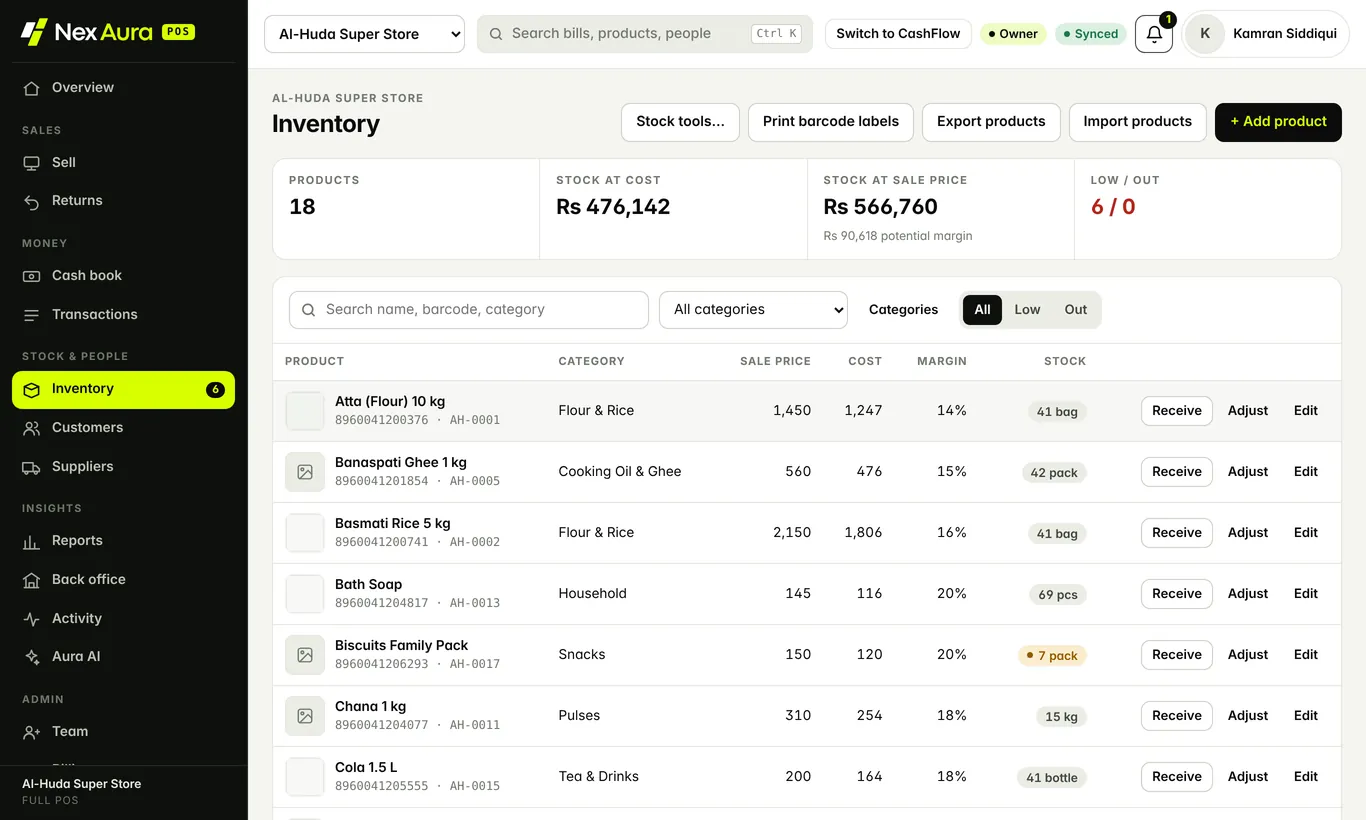
NexAura POS covers billing and barcode, stock and purchases, customer udhaar and supplier khata, a daily cash book and proper books with profit & loss and a balance sheet. One owner can manage up to five businesses from one login, each with its own team and permissions.
It runs in the web browser, as a Windows desktop app and on Android — and it keeps selling when the internet drops.
How we make decisions
Start from the shop
Udhaar, JazzCash, Easypaisa, load-shedding and the evening cash count are not edge cases here — they are the everyday work, so the software starts there.
Clear prices in rupees
Prices are published on the pricing page. Every package has every feature; you only choose how many businesses you run.
Your data stays yours
Roles and permissions decide who sees what, the activity log shows who changed what, and every business is backed up daily. You can also keep your own copy on Google Drive.
Books that balance
Every sale, purchase and expense posts to proper books in the background, so profit & loss and the balance sheet always add up.
Your language
The app works in English, Urdu and Hindi, and the Aura assistant understands Roman Urdu.
Built for patchy internet
Billing, cash, udhaar and recoveries keep working offline and sync on their own when the connection returns.
Why NexAura POS
Most shop software is designed for supermarkets or for other countries. Pakistani shops have their own habits — udhaar for regular customers, payments by JazzCash and Easypaisa, closing the day against a cash drawer, owners who run a book shop and a general store at the same time. NexAura POS starts from those habits and adds the reports an owner needs to see the real profit.
How we release
New versions are tested on a separate copy before they reach your shop, and the Windows desktop app updates itself only with signed updates.
Contact
Email info@nexaurapos.com or see the contact page.
Run your shop on NexAura POS
Start a 14-day free trial — no payment needed. Set up your business, add products or import them from Excel, and make your first bill today.