POS Software
POS machine vs POS software: what's the difference and which do you need?
A POS machine and POS software are different things. Learn what each does, what they cost in Pakistan, and whether your shop needs one, the other or both.
POS stands for point of sale. Here is what it means in Urdu, why the word is used for both card machines and shop software, and how a POS system actually handles a sale from scan to closing.
In this guide: POS full form · Meaning in Urdu · Two kinds of "POS" · What a POS system does · How a sale works · What you need · Do you need one? · Glossary
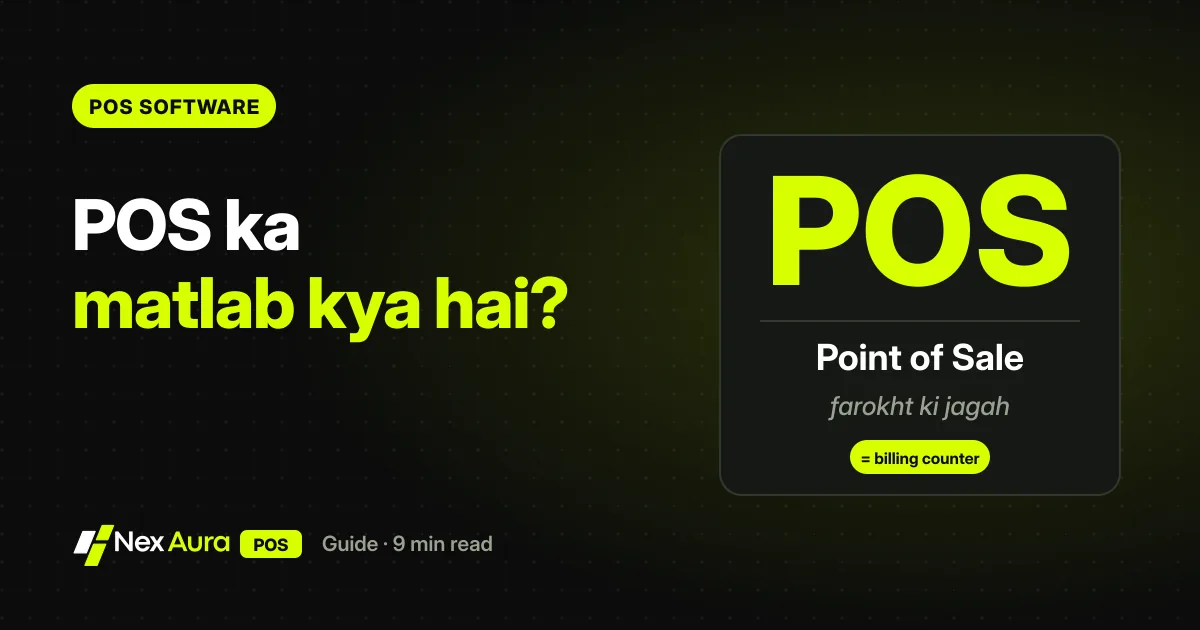
POS = Point of Sale. It is the point — the counter, the moment — where a customer pays and the sale happens. In a shop, the "point of sale" is your counter: the place where items are added up, money is taken and a bill is given.
Over time the word has stopped meaning only a place. Today "POS" usually means the system you use at that place to make the sale: the machine, the software, or both.
پوائنٹ آف سیل (POS) کا مطلب ہے فروخت کی جگہ — وہ کاؤنٹر جہاں گاہک ادائیگی کرتا ہے اور فروخت درج ہوتی ہے۔ آج کل دکاندار "POS" اس نظام کو کہتے ہیں جس سے بل بنتا ہے، اسٹاک کم ہوتا ہے اور دن کا حساب رکھا جاتا ہے۔
In Roman Urdu, a shopkeeper would explain it like this: "POS woh system hai jis se counter par bill banta hai, stock kam hota hai aur din ka hisaab khud jur jata hai."
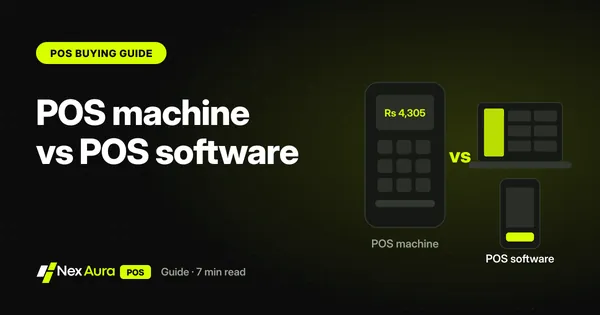
When someone in Pakistan says "POS", they may mean one of two very different things:
| POS machine (card terminal) | POS system / POS software | |
|---|---|---|
| What it is | A small device from a bank or payment company | A program on a computer, tablet or phone |
| Main job | Takes card payments | Makes bills and keeps the shop's records |
| What you see on it | Amount, card PIN, slip | Products, bill, stock, udhaar, reports |
| Where "POS" shows up | "POS transaction" on your bank statement | "POS software" or "billing software" |
| Knows your stock? | No | Yes |
So if your bank statement shows a POS transaction, it simply means you paid by card at a shop. If a shopkeeper says "hamara POS band hai", they may mean the card machine — or the billing computer.
This guide is about the second meaning: the POS system that runs a shop. If you are deciding between a card machine and software, read POS machine vs POS software.
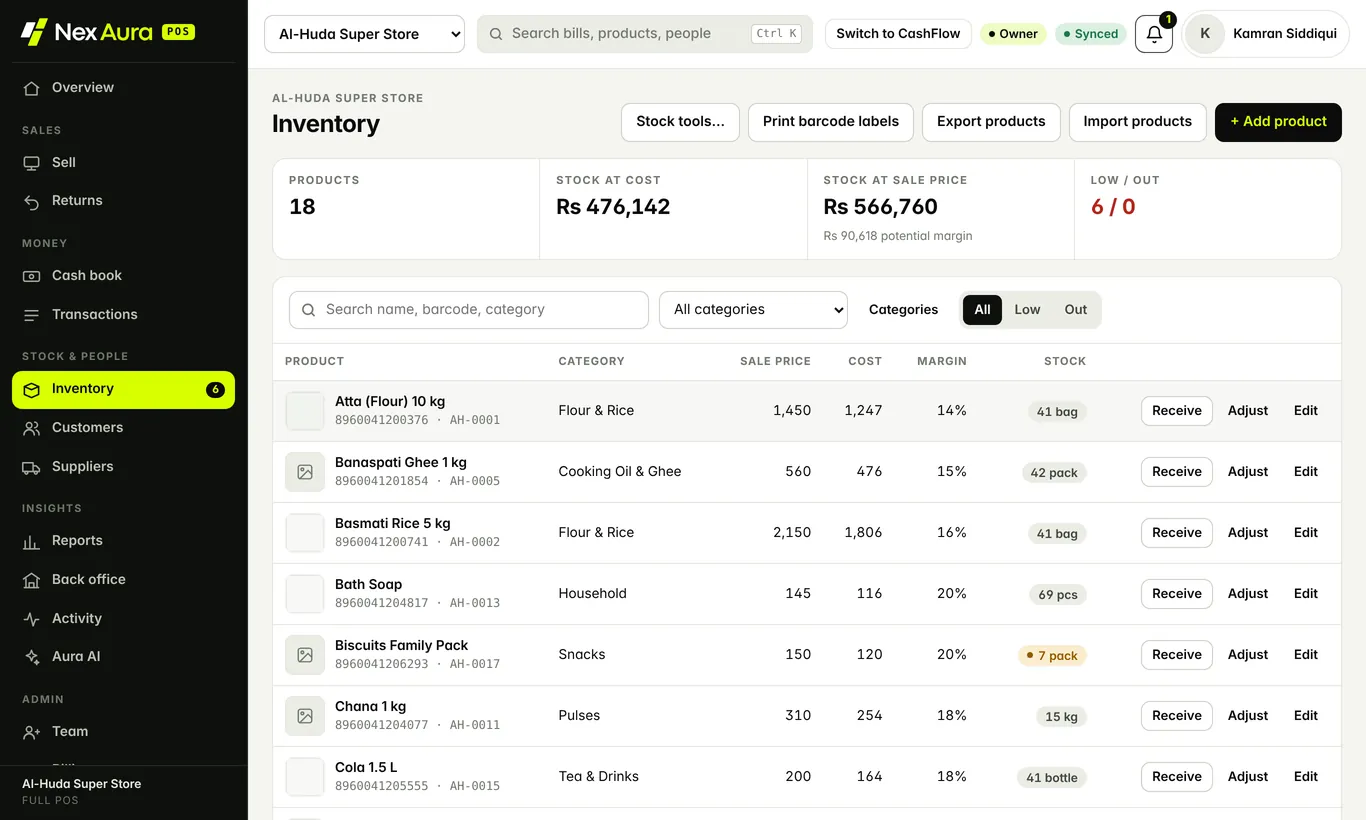
A POS system is much more than a calculator with a drawer. A good one connects five things that most shops keep in different places:
The value is in the connection. One sale on udhaar should update the bill, the stock, the customer's khata and the day's report — once, automatically.
Here is what happens inside a POS system during a single sale at a general store. (The items and prices are an example.)
In a register-and-calculator shop, each of those steps is a separate job for a person, and each is a chance to make a mistake. In a POS system they happen together.
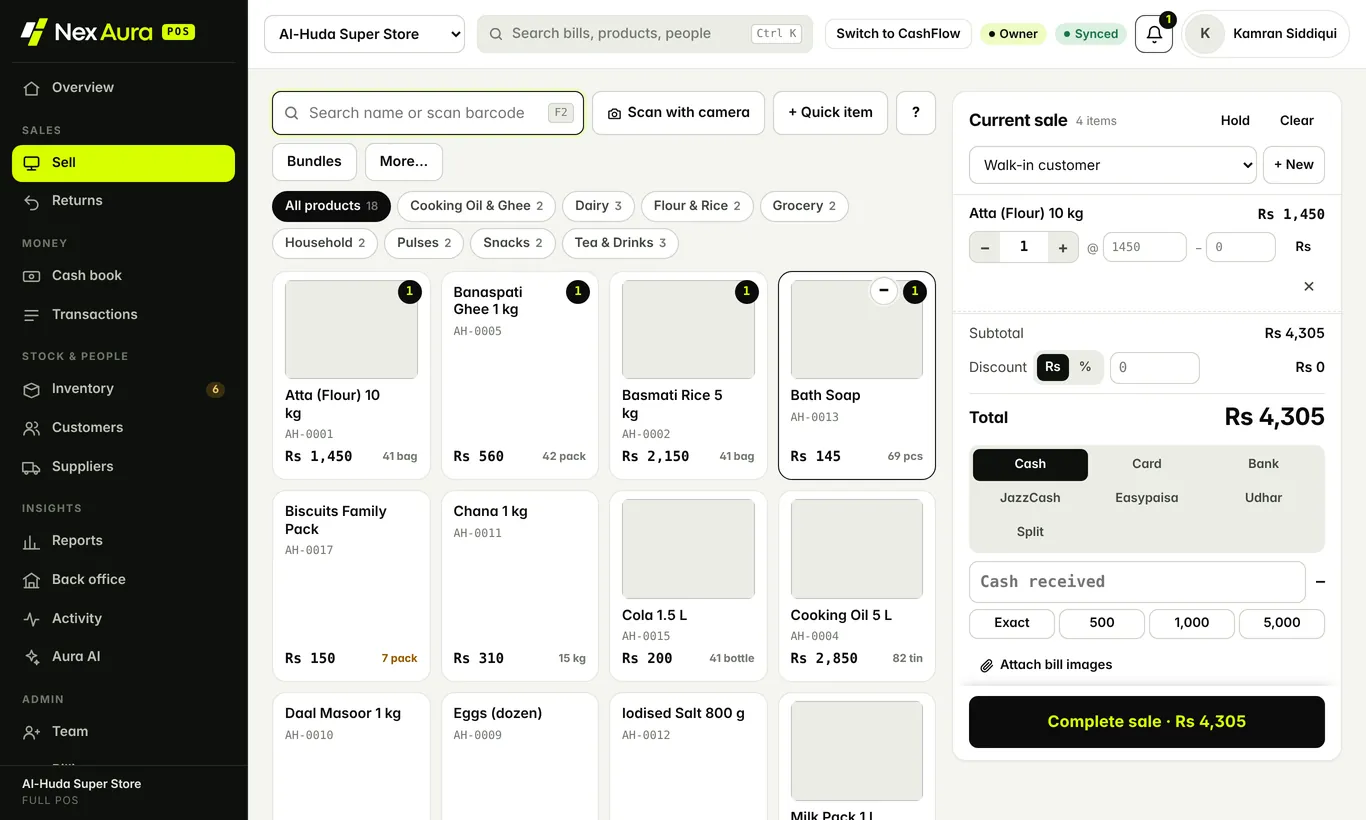
You do not need an expensive "POS machine" to start using POS software:
Larger retailers should also know that sales tax rules in Pakistan require certain retailers (known as Tier-1 retailers) to connect their POS with FBR. If your business may fall in that category, check the current rules on FBR's website or with your tax adviser, and ask any POS vendor whether their system is integrated before you buy.
Not every shop needs one on day one. These are the signs that a register is no longer enough:
If two or more of these sound familiar, a POS system will usually pay for itself in time saved and mistakes avoided. Our guide to choosing POS software in Pakistan has a checklist to compare options.
| Task | Register / khata copy | Excel sheet | POS system |
|---|---|---|---|
| Making a bill | By hand | Possible, slow | Scan and pay |
| Stock after each sale | Not tracked | Manual update | Automatic |
| Customer udhaar | Separate copy | Separate sheet | Linked to the bill |
| Closing cash | Count and guess | Formula, if updated | Expected vs counted |
| Profit & loss | Rarely | Possible with effort | Report on demand |
| Staff control | Trust | Anyone can edit | Roles and permissions |
NexAura POS is a POS system made for Pakistani shops: barcode billing with cash, card, bank, JazzCash, Easypaisa, udhaar or split payments, stock that moves with every sale, customer khata, a daily cash book and profit & loss — and it keeps working offline. See all features, the billing screen or prices in rupees, or start a 14-day free trial.
POS stands for point of sale — the place and the moment where a customer pays for what they buy.
In Urdu, POS (پوائنٹ آف سیل) means the place of sale — فروخت کی جگہ — where the customer pays and the sale is recorded. Shopkeepers usually just say 'POS' or 'billing system'.
It means you paid with your debit or credit card on a shop's card machine. That is the bank meaning of POS. It is different from POS software, which a shop uses to make bills and keep records.
A cash register adds up a bill and holds cash. A POS system also knows your products and stock, keeps customer udhaar, records expenses and gives you reports such as daily sales and profit & loss.
Not necessarily. Many POS systems, including NexAura POS, run in a web browser, so a laptop, tablet or Android phone can work as the counter. A barcode scanner and receipt printer are optional.
It depends on the system. Some only work online. NexAura POS keeps billing, cash and udhaar working offline and syncs the entries when the internet returns.
A POS machine and POS software are different things. Learn what each does, what they cost in Pakistan, and whether your shop needs one, the other or both.
How to choose POS software in Pakistan: what to check on price, billing, stock, udhaar, offline use, reports and support — and the kinds of POS you will find.
Cloud POS or offline POS? Compare internet needs, load-shedding, data safety, multi-shop access and cost to decide what suits your shop in Pakistan.
Start a 14-day free trial — no payment needed. Set up your business, add products or import them from Excel, and make your first bill today.