A supermarket in Lahore, a kiryana store in a small town and a book shop near a school do not need the same software. "Best" depends on:
How you sell. Do you bill every item, or record the day's sales as one total?
How much udhaar you give. For many shops udhaar is the biggest risk, so the khata matters more than fancy billing screens.
How many businesses you run. One shop, or a shop plus a second branch or business?
Who handles the cash. If staff record entries, you need roles and permissions.
Your budget. A monthly subscription you can afford every month beats a "free" tool that you outgrow.
The checklist
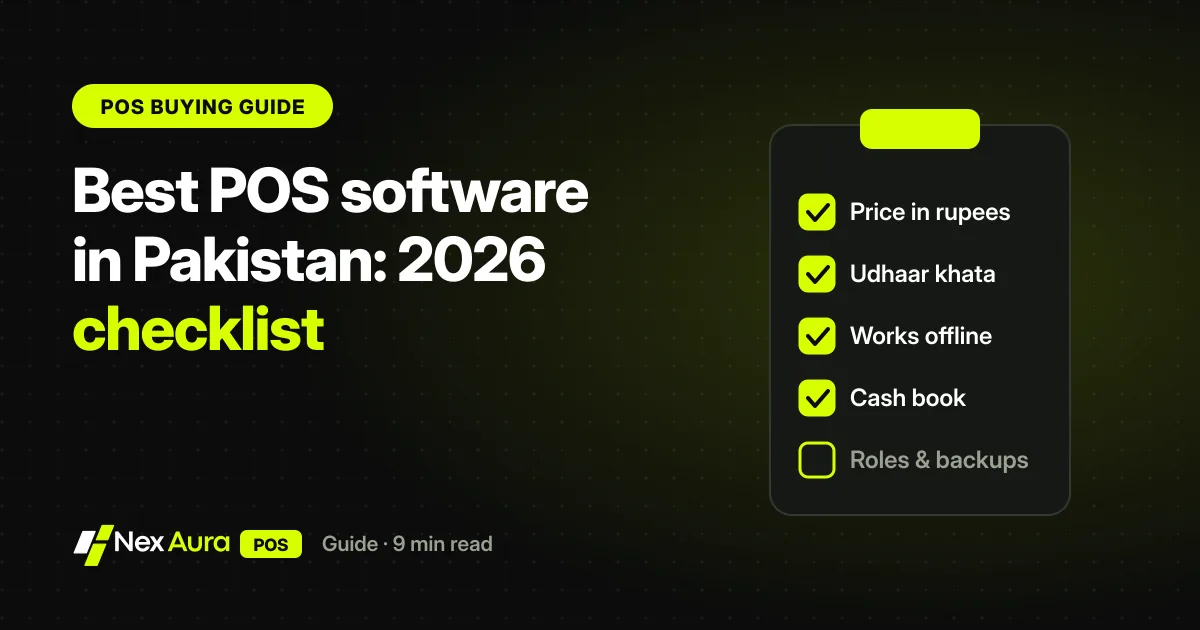
Use this list when you compare any two POS options. Ask for a demo or try each one with your own real day.
Check
Why it matters
What to look for
Published price in rupees
Hidden prices usually mean surprises
A pricing page with monthly and yearly options
Local payment methods
You will renew every month or year
Bank transfer, JazzCash, Easypaisa
Udhaar khata
Most small-shop losses are unrecovered credit
Customer balances, recoveries, udhaar reports
Supplier ledger
Paying wholesalers twice is common
Purchases and payments per supplier
Daily cash book
Closing must match the drawer
Opening and closing balance, cash in/out by category
Profit & loss
Sales are not profit
P&L, expenses by category, compare periods
Roles and permissions
Protects you when you're not in the shop
Separate permissions for deleting, editing past days, seeing profit
Activity log & backups
Mistakes happen
Who changed what; automatic backups
Multi-business
If you own more than one shop
Separate books, one owner login
Works on your devices
Not every shop has a new computer
Runs in a web browser on a computer, laptop or phone
Support in your language
You will have questions
Urdu-friendly help and quick replies
Two more points are worth checking carefully:
FBR and provincial integration. If your business is required to integrate with FBR or a provincial revenue authority, confirm in writing that the vendor supports exactly what you need.
Data export. Make sure you can download your reports (PDF/CSV) — your records should never be locked inside one vendor.
The kinds of POS software you will find
Search for POS software in Pakistan and you will mostly meet five kinds of product. Knowing which kind you are looking at makes comparison easier:
Cloud POS suites with many industry modules — one system with separate pages for grocery, pharmacy, restaurant, salon and other trades, often sold through a demo and a sales call. Good for larger chains; check which modules cost extra.
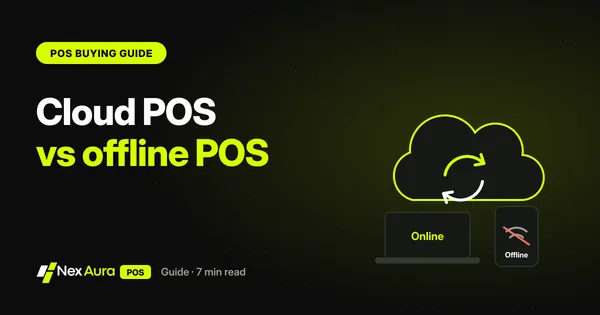
Desktop-only or offline-only POS — installed on one computer. Works without internet, but the owner cannot see sales from home and backups depend on that one computer.
Free or very basic billing apps — fine for printing a bill, but usually no proper stock, udhaar or profit & loss.
Khata-only apps — good for tracking udhaar on a phone, but not for billing, stock or the cash book.
Accounting or ERP software — strong books, but slow at the counter and needs training.
Whatever you pick, ask for a free trial and test it with your own products and a real busy hour before paying.
Where NexAura POS fits
NexAura POS is a cloud POS that also works offline, built for Pakistani retail shops and for owners with more than one business:
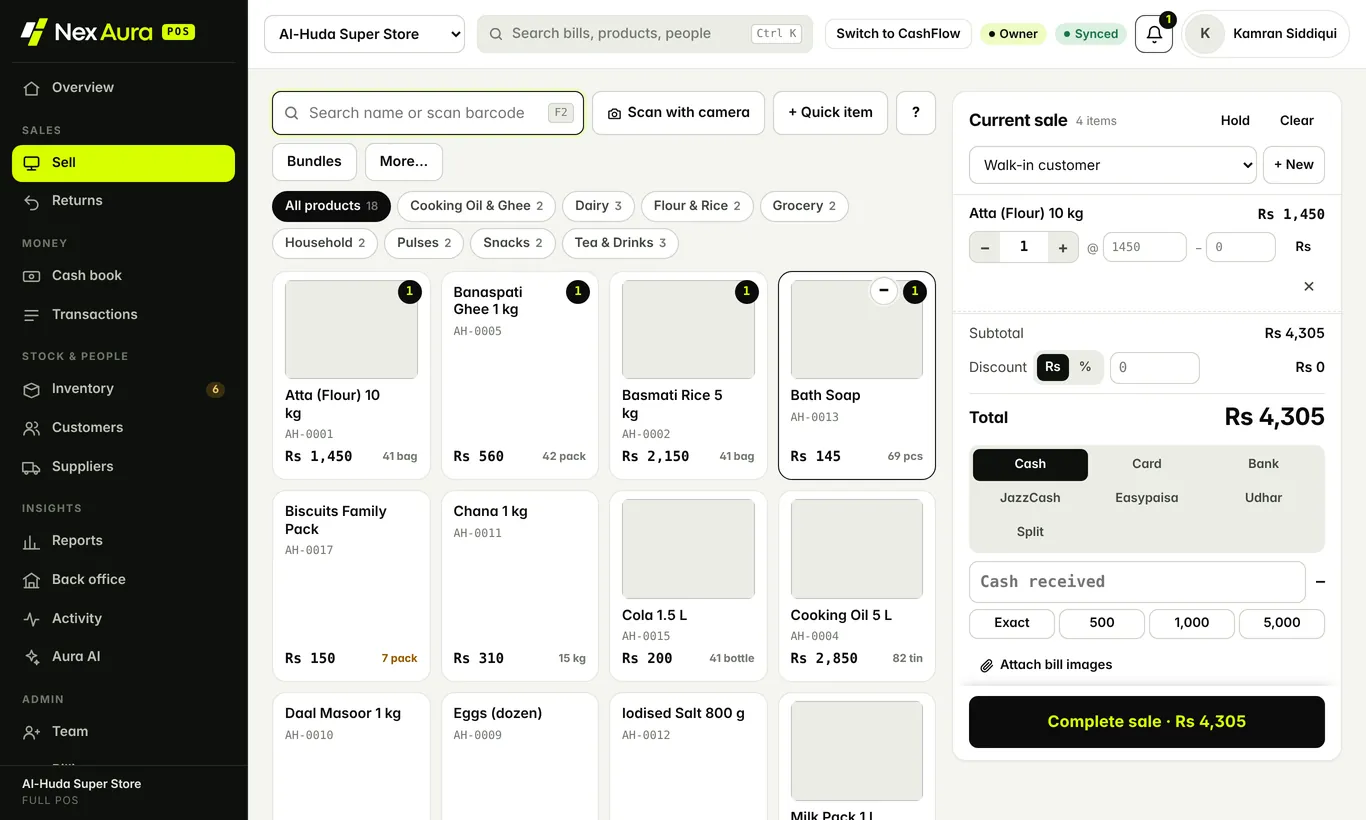
Billing with barcode — cash, card, bank, JazzCash, Easypaisa, udhaar or split on one bill, with receipts on paper or WhatsApp.
Stock and purchases — stock moves with every sale and purchase, with supplier khata, purchase orders, stock counts and returns.
Udhaar khata with credit limits, recoveries and WhatsApp reminders.
Daily cash book, profit & loss and balance sheet, downloadable as PDF, CSV or Excel.
Up to five businesses under one login, each with five members and roles (Owner, Manager, Data Operator, Data Viewer).
Works offline in the browser, on Windows and on Android, and syncs when the internet returns.
Published prices: Rs 2,000/month for one business up to Rs 8,500/month for five, 10% less when paid yearly; payment by bank transfer, JazzCash or Easypaisa. See pricing.
NexAura POS does not currently offer direct FBR or provincial tax-authority integration, so if that is a legal requirement for your business, choose a product that confirms it in writing.
Check the billing screen before you buy: here every payment method, discount and split payment is on one screen. (NexAura POS, demo store with sample data.)
Questions to ask any vendor
What is the total cost for a year, including any setup or device charges?
Can I export all my data as PDF or CSV if I leave?
Who can delete entries, and is there a log of changes?
What happens when the internet goes down?
How quickly do you answer support messages, and in which language?
If I open a second shop, what will it cost?
Our recommendation
Shortlist two or three options, run each one for a few real days, and judge them by closing time: does the cash book match the drawer, is every udhaar recorded, and can you see whether you made a profit? The software that makes closing easiest is the best one for your shop.
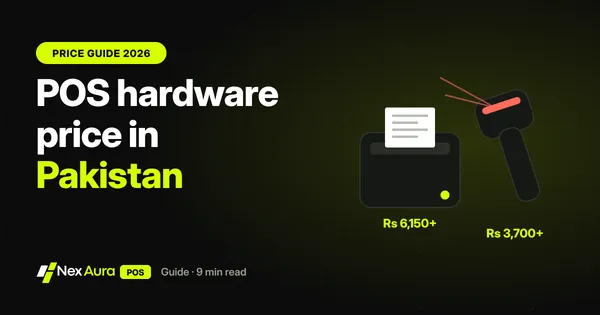
2026 prices of thermal receipt printers (58mm, 80mm), barcode scanners, cash drawers and touch POS machines in Pakistan, checked on store websites, with budget bundles.
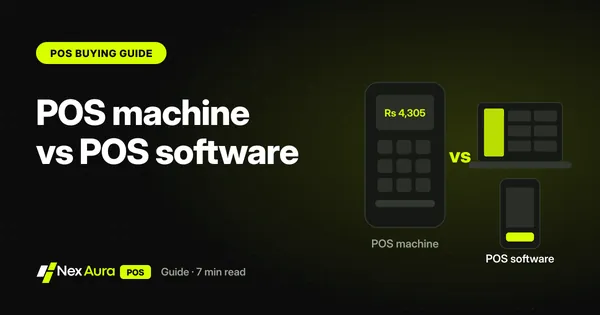
A POS machine and POS software are different things. Learn what each does, what they cost in Pakistan, and whether your shop needs one, the other or both.
· 7 min read
Run your shop on NexAura POS
Start a 14-day free trial — no payment needed. Set up your business, add products or import them from Excel, and make your first bill today.