POS Software
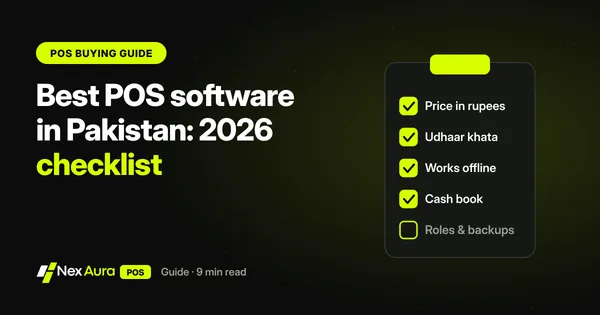
Best POS software in Pakistan (2026): how to choose the right one
How to choose POS software in Pakistan: what to check on price, billing, stock, udhaar, offline use, reports and support — and the kinds of POS you will find.
Load-shedding and weak internet make Pakistani shopkeepers wary of cloud software. Here's how the two approaches really compare.
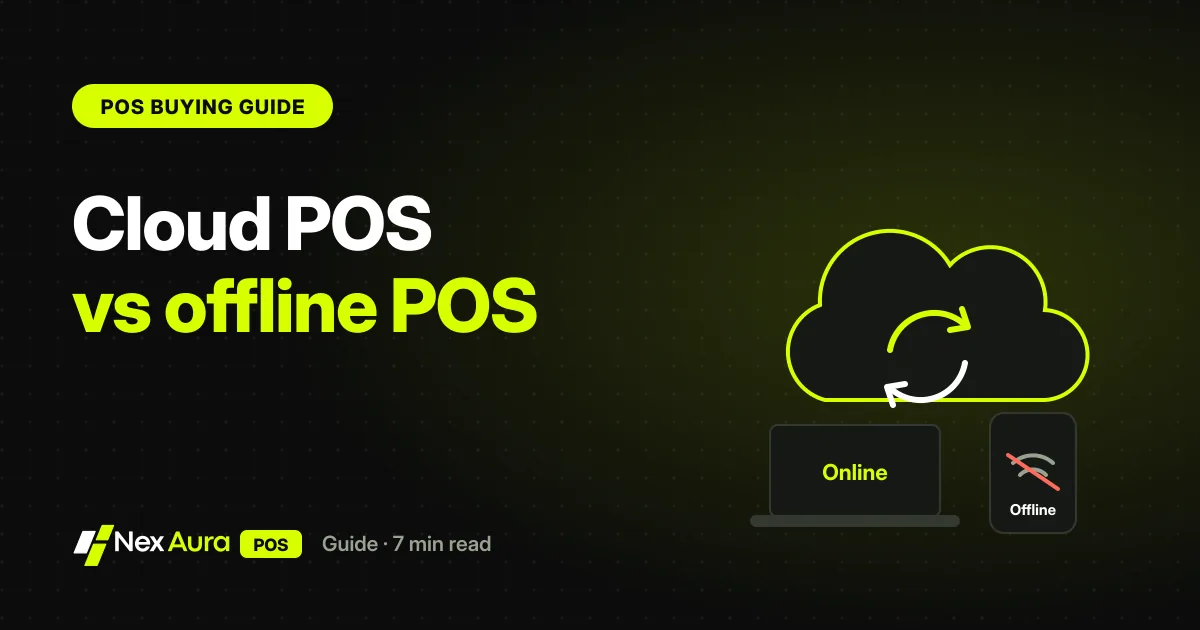
Many modern systems mix the two: they work online but keep recording for a while when the connection drops.
| Question | Offline POS | Cloud POS |
|---|---|---|
| Works without internet? | Yes | Only if it has an offline mode |
| Owner can check from home? | Usually no | Yes |
| More than one shop? | Separate installs, separate data | One account, all shops |
| If the computer breaks | Data may be lost without backups | Data is online |
| Backups | Your responsibility | Usually automatic |
| Updates | Manual installs | Automatic |
| Cost model | Often one-time licence | Monthly or yearly subscription |
The real worry is simple: what happens at 7 pm when the internet goes?
So the practical question is not "cloud or offline?" but "does the cloud software keep working offline, and how does it sync?"
Offline systems put the responsibility on you: a USB backup every evening, kept somewhere other than the shop. Cloud systems usually back up automatically — check how often and how long backups are kept. NexAura POS, for example, backs up every business automatically once a day and keeps backups for 14 days.
If you run two businesses, cloud POS is far easier: one login, separate books, and the owner sees both. With offline software each shop is an island.
Offline licences can look cheaper up front, but add the cost of backups, a technician for reinstalls and the risk of losing data. Cloud subscriptions are predictable — compare the yearly cost, not just the monthly figure.
NexAura POS is a cloud system that runs in your web browser, saves records to the shared shop database and backs up each business daily.
Without internet you can still sell, record cash in and out, give udhaar and record recoveries; entries are marked "Pending sync" and sent automatically when you're back online. A desktop app and an Android app are also available. See offline & Android. See pricing for packages.
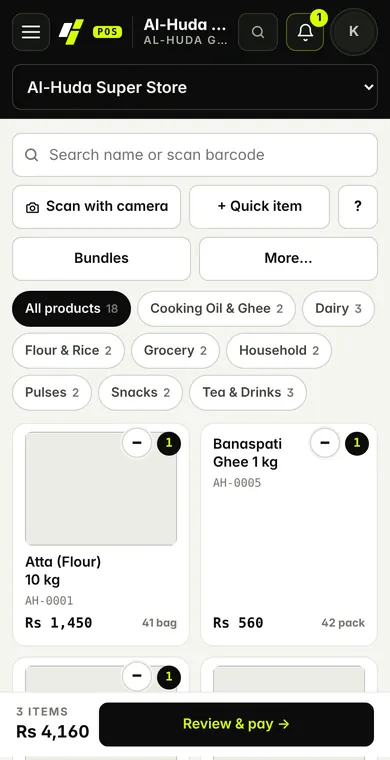
How to choose POS software in Pakistan: what to check on price, billing, stock, udhaar, offline use, reports and support — and the kinds of POS you will find.
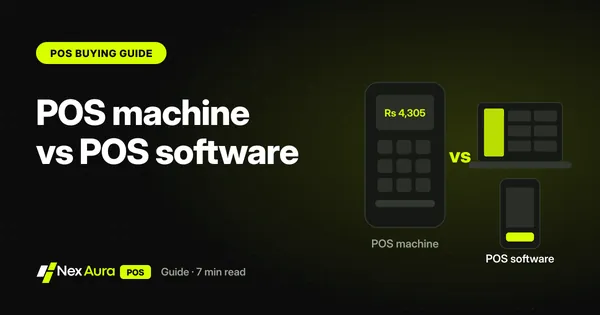
A POS machine and POS software are different things. Learn what each does, what they cost in Pakistan, and whether your shop needs one, the other or both.
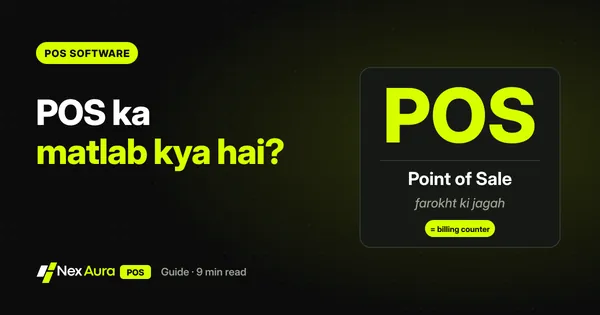
POS ka matlab kya hai? POS full form, its meaning in Urdu, the two things Pakistanis call 'POS', and how a POS system works in a shop — step by step.
Start a 14-day free trial — no payment needed. Set up your business, add products or import them from Excel, and make your first bill today.