Invoices & Formats
Delivery challan format and bill book format (free download)
Delivery challan format and bill book (cash memo) format explained, challan vs bill vs invoice, printing tips, and free Word and Excel templates to download.
Every rupee in a shop either comes from a sale or goes to a purchase or expense. Keep those two sides clean and most problems disappear.
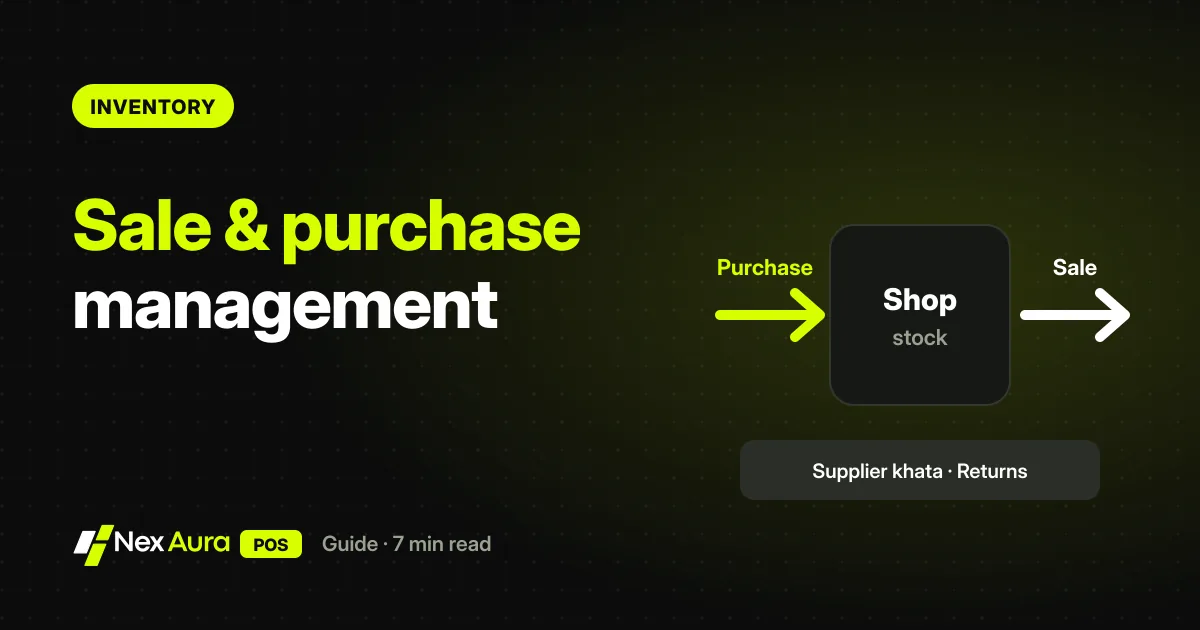
In Pakistan, sale purchase software usually means simple software that replaces two registers: the sales register (what you sold, for how much, cash or udhaar) and the purchase register (what you bought, from whom, paid or on credit). Together they tell you your stock, what customers owe you and what you owe suppliers.
Record, for every sale or for the day's total:
Two rules: udhaar sales go into the customer's khata (not into cash), and cash sales should match the cash book at closing.
For every purchase record date, supplier, bill number, amount and whether you paid now or later. Credit purchases are where shops lose control: a wholesaler delivers on credit, the bill goes into a drawer, and a month later nobody knows the balance.
A supplier ledger has every purchase (amount owed goes up) and every payment (amount owed goes down). Before paying any supplier, check the ledger — it prevents paying the same bill twice and shows whether a supplier's "pending amount" is correct.
Once a month, check:
| Registers | Excel | Sale purchase software | |
|---|---|---|---|
| Cost | Very low | Low | Monthly or yearly fee |
| Totals | By hand | Formulas | Automatic |
| Several people entering | Hard to control | Risky | Roles and permissions |
| History of changes | No | No | Activity log |
| Supplier and customer balances | Separate books | Separate sheets | Linked to entries |
NexAura POS records daily sales and expenses, keeps a ledger for every supplier (purchases and payments) and a khata for every customer, and lets you decide who can record supplier purchases and payments. Reports show sales, cash in and out and expenses for any period, as PDF or CSV.
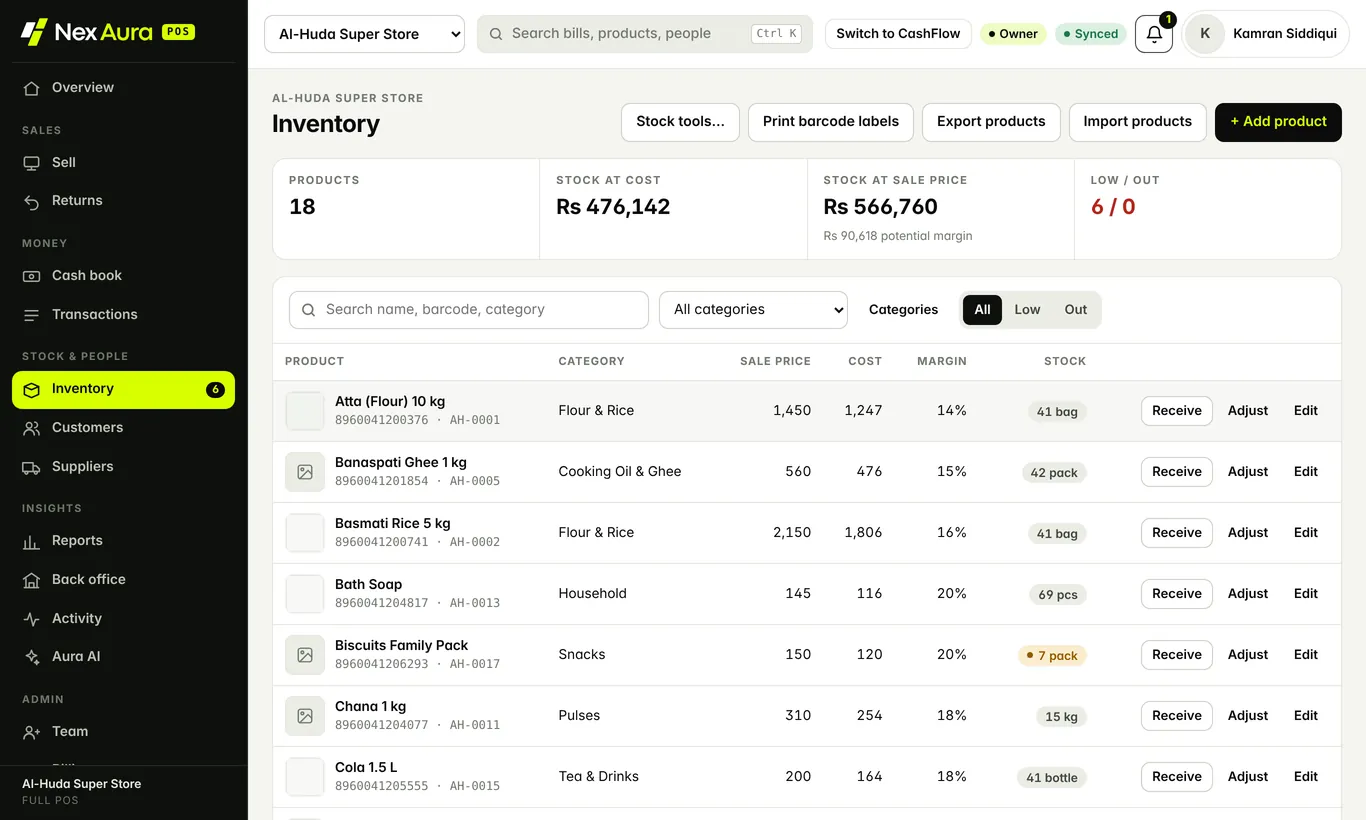
In Full POS mode, bills, stock and returns are linked, so a sale or purchase updates stock automatically. See inventory & sale-purchase. Related: inventory management for small shops · shop profit and loss
Delivery challan format and bill book (cash memo) format explained, challan vs bill vs invoice, printing tips, and free Word and Excel templates to download.
Simple inventory management for small Pakistani shops: what to count, how often, reorder levels, slow stock, Excel vs software and the mistakes that cost money.
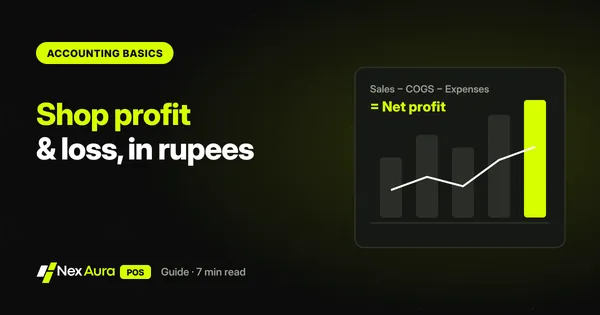
How to calculate shop profit and loss: sales, cost of goods sold, gross profit, expenses and net profit — with a worked example in rupees.
Start a 14-day free trial — no payment needed. Set up your business, add products or import them from Excel, and make your first bill today.