Cash Book & Accounting
Cash book format with examples (single, double and three column)
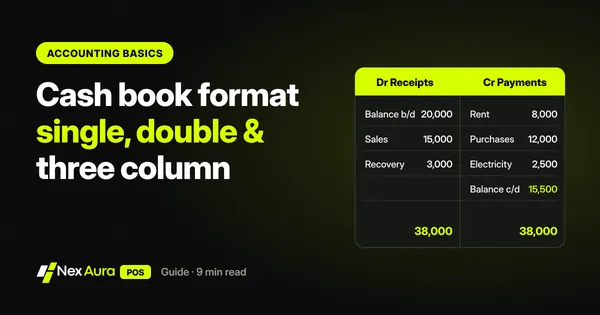
What a cash book is, the single, double and three column cash book formats with worked examples, and a simple daily cash book format for shops.
Sales are not profit. Here is the simple calculation every shopkeeper should be able to do in five minutes, with a worked example.
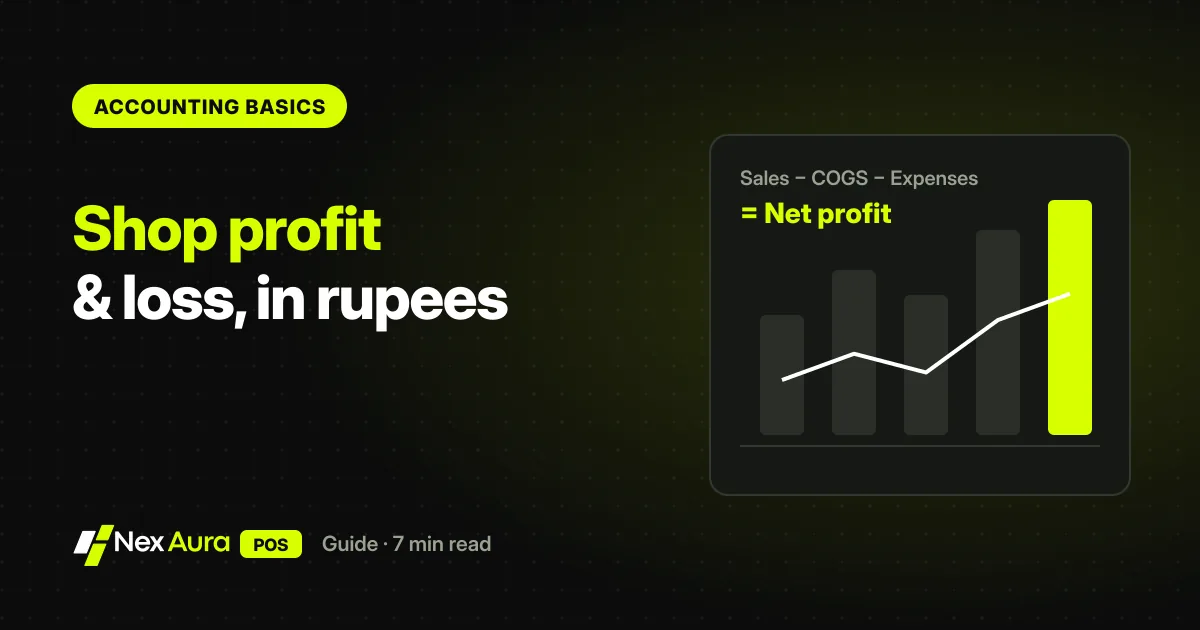
If net profit is negative, it is a net loss.
| Item | Rs |
|---|---|
| Sales | 600,000 |
| Opening stock | 400,000 |
| Purchases | 450,000 |
| Closing stock | 380,000 |
| COGS (400,000 + 450,000 − 380,000) | 470,000 |
| Gross profit (600,000 − 470,000) | 130,000 |
| Rent | 35,000 |
| Salaries | 45,000 |
| Electricity & gas | 12,000 |
| Transport & other | 8,000 |
| Total expenses | 100,000 |
| Net profit (130,000 − 100,000) | 30,000 |
Gross margin = 130,000 ÷ 600,000 ≈ 21.7%. Net margin = 30,000 ÷ 600,000 = 5%.
Cash can rise while profit falls — for example when you stop buying stock, or when a big recovery of old udhaar comes in. Cash can fall while profit is fine — for example when you buy a lot of stock before a season or give more udhaar. That is why shops need both a cash book and a profit & loss report.
Write the six numbers — sales, opening stock, purchases, closing stock, total expenses — on a page and use the formula above. In Excel, put them in cells and use =Sales − (Opening + Purchases − Closing) − Expenses.
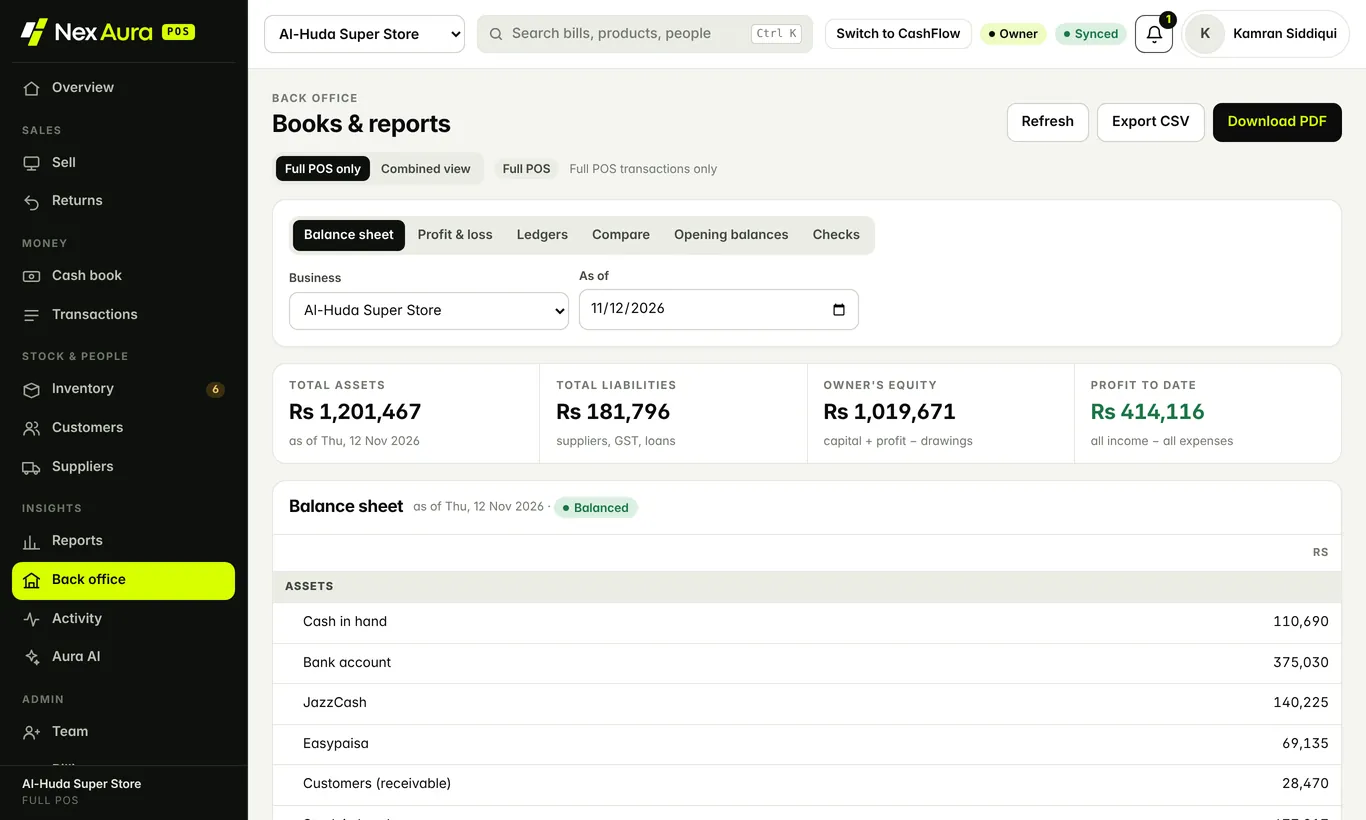
NexAura POS builds a profit & loss report, balance sheet and compare periods report from your recorded sales and expenses, with expenses by category and payment method, for today, this week, this month, last month, this year or a custom range. You can keep profit hidden from staff with a permission. See cash book & profit-loss.
What a cash book is, the single, double and three column cash book formats with worked examples, and a simple daily cash book format for shops.
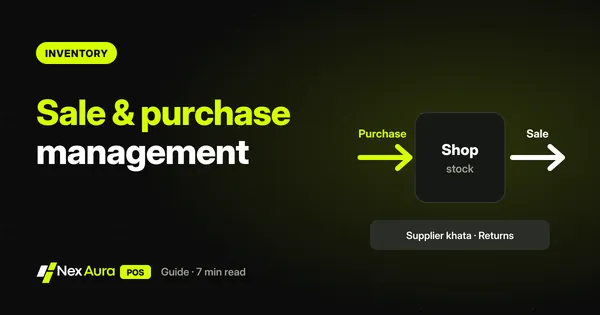
How small shops can manage sales and purchases: what to record, supplier ledgers, credit purchases, returns and when sale purchase software helps.
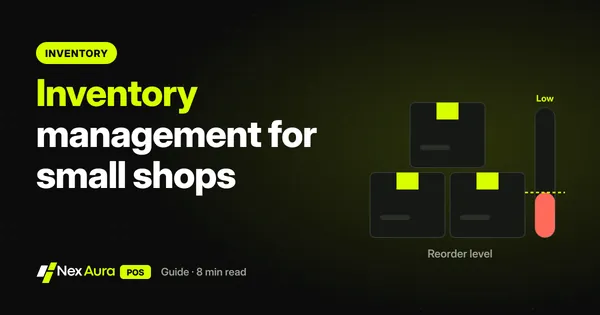
Simple inventory management for small Pakistani shops: what to count, how often, reorder levels, slow stock, Excel vs software and the mistakes that cost money.
Start a 14-day free trial — no payment needed. Set up your business, add products or import them from Excel, and make your first bill today.